
Design & development · DOYJO
Custom WordPress Plugin Development
Turn WordPress into a tool for the work your organization does. DOYJO develops custom plugins, coordinated plugin suites and integrations for publishing, search, directories, AI, commerce and day-to-day website operations.
Work directly with Brian Bateman in Sheboygan, Wisconsin. Serving businesses locally and nationwide.
Software shaped around your website’s job
A custom WordPress project can be a single feature or a substantial system. An editor may need a source-review queue; a directory may need indexed search and paid listing controls; a business may need account information to reach the right person without being copied by hand.
DOYJO has built and maintained tools across client websites and its own publishing and directory properties. That work spans public interfaces, administrative screens, background jobs, external APIs and the rules that connect them. The useful starting point is the job your current website cannot handle well.
Publishing systems and site-specific content tools
111Things combines a custom newsroom with local discovery, contextual modules and publishing operations. DOYJO Topic Writer provides a broader framework for source-based drafting, author profiles, content organization and scheduled work.
The framework has also developed into site-specific builds. Mac-Tech uses industrial expertise, machine topics and sales-team context. Excel Dental has its own Next build with dentist profiles, source policies, patient-image rules and schedules. Sheboygan Life connects publishing tools with local headlines, weather and reader navigation. These projects show why publishing software often needs more than a generic prompt and a publish button.
Directories, search and paid account workflows
Weence includes custom provider discovery, claim routing, listing context and payment-dependent account controls. Splinternet Marketing and Cyrus Ramsey use related directory tools adapted to their audiences, while Service XTC has custom local business discovery for home-service searches.
The work includes indexed queries, location and category paths, duplicate-listing redirects, business-hours compatibility fixes and integration with existing directory and payment products. Those products remain separate components; DOYJO’s custom layer supplies the behavior the site needs around them.
AI context, related content and reusable displays
Custom AI tools can keep a website’s knowledge source current instead of treating an initial import as the finished integration. Resumable synchronization tools identify missing content, process work in batches and expose progress controls. Heading and archive integrations provide context to an existing chatbot.
Smart Related Control connects articles through categories, tags, keywords and phrases. Dynamic Term Grid and local headline tools give editors reusable ways to display organized content. Time & Weather is another example of a plugin combining external data with useful website displays.
Commerce and operational tools
DryAway Dealer demonstrates a coordinated suite for applications, product selection, checkout details and order communication. DryAway adds retail selection, availability controls and custom measurement integrations. These commerce projects have a dedicated WooCommerce plugin development service.
Other DOYJO tools address SMTP failover and delivery logs, behavior-based request controls, targeted cache refreshes and search-analysis workflows. These are operational features with their own settings and maintenance needs, not just changes to a page’s appearance.
Original development and practical integrations
Some projects call for original code; others need an extension or a careful adaptation of an existing product. For example, the newsletter suite used on Sheboygan Life builds on Newsletter core and integrated add-ons. We describe and scope that integration separately from software developed entirely by DOYJO.
The development plan defines ownership of data, administrative permissions, failure handling, compatibility and an installation path. A coordinated suite can be delivered in stages, with a useful first release and clear responsibilities for ongoing support.
Start with the workflow you want to improve
You do not need a technical specification to begin. Show Brian the current process, an example of the desired result and the people involved. We can assess whether a suitable existing plugin, a focused extension or a custom application is the right fit.
Original project examples
See the work in context
Explore the business need and the documented scope in each case study. Examples include client work, DOYJO-owned platforms, historical projects and clearly identified demonstrations.
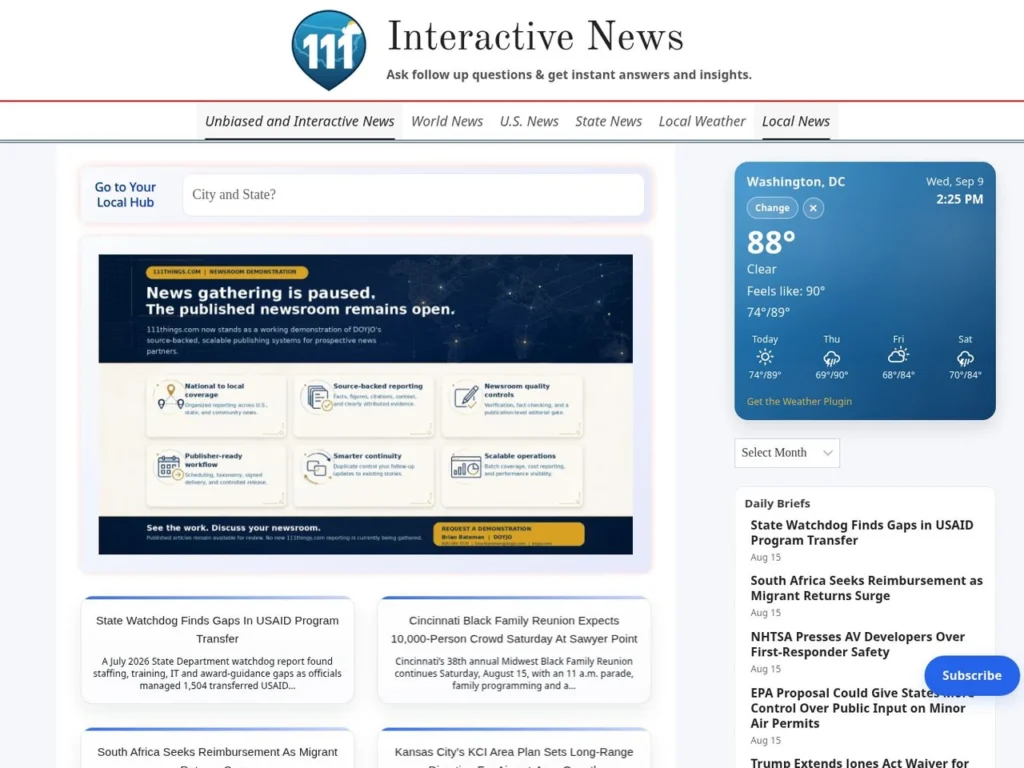
111Things.com
A custom newsroom plus local search, contextual modules, AI integrations, related-content tools and publishing operations.
Read the case study →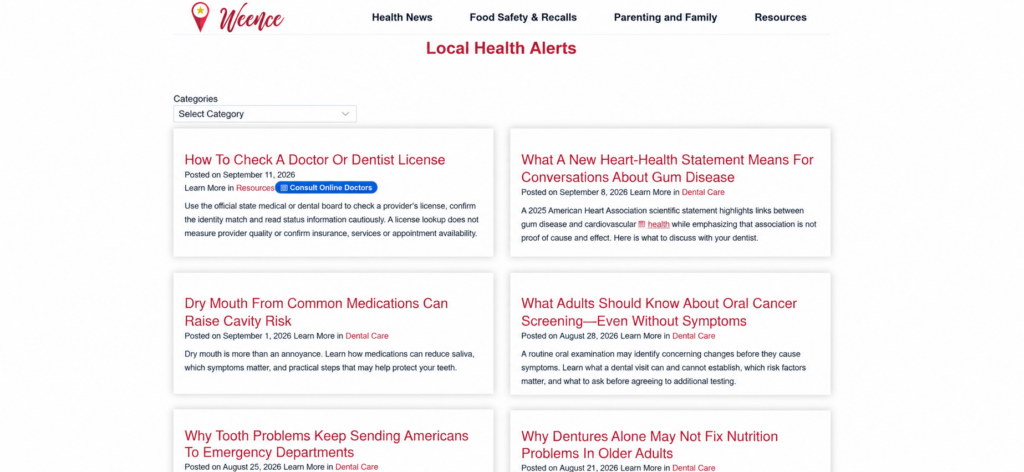
Weence
Custom provider discovery, claim routing, paid account workflows, article pathways and directory performance tools.
Read the case study →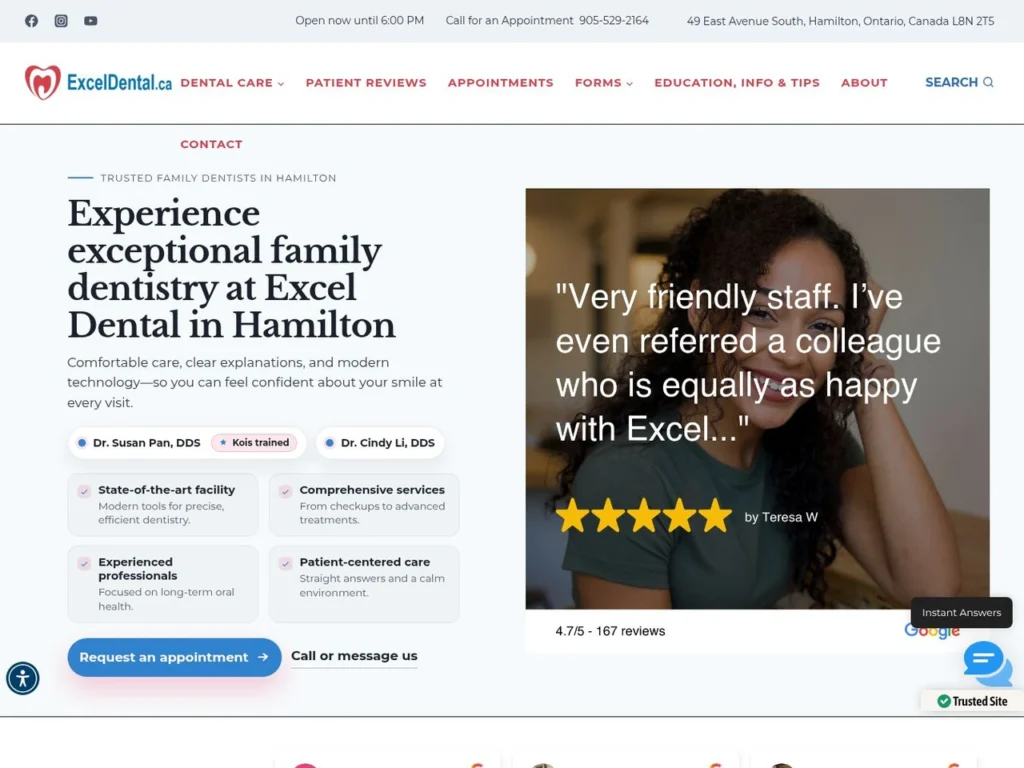
Excel Dental
A site-specific publishing build with dentist profiles, source policies, image rules and schedules, supported by related-content and synchronization plugins.
Read the case study →More relevant portfolio examples
Related services
Let’s define the next step
Discuss your project with Brian
Describe the process you want WordPress to handle, the tools it must work with and who will use it. Share your website URL and an example of the manual work, missing feature or integration problem.