
Business systems · DOYJO
WordPress SMTP Setup
Make website email easier to operate and troubleshoot. DOYJO configures WordPress email delivery and develops the monitoring, retry and routing features your forms and notifications need.
Work directly with Brian Bateman in Sheboygan, Wisconsin. Serving businesses locally and nationwide.
Know what happened after the website tried to send
A form submission or account notice is only part of the workflow. The website also needs an appropriate mail connection and enough diagnostic information to investigate a delivery problem.
SMTP work covers the sending service, authentication, sender identity and how the website handles a failed attempt. Delivery logs can help distinguish an application problem from a provider response, while a retry policy needs rules that prevent repeated or outdated messages.
A custom SMTP operations tool
Doyjo SMTP is installed on 111Things, Splinternet Marketing and Service XTC. The plugin provides failover, a retry queue, logs, alerts, diagnostics and resend controls as part of the website’s email operations.
Those tools provide a concrete example of extending email delivery beyond entering server credentials. The appropriate provider, fallback and retry settings still depend on the website’s message types and operational requirements.
Connect the delivery setup with the messages that matter
We review forms, account emails, order notifications and any other systems that call WordPress mail. The project can include provider configuration, domain-authentication checks, test messages and administrative diagnostics.
High-volume newsletters may need a separate sending arrangement. Transactional emails, marketing subscriptions and hosted staff mailboxes have different requirements, even when they share a business domain.
Can you investigate email that is missing or unreliable?
Yes. Bring the website URL, the type of message, an approximate failed-send time and the receiving domain. Brian can review the available logs and configuration, then scope the connection or operational changes needed. No sending setup can guarantee inbox placement for every recipient.
Original project examples
See the work in context
Explore the business need and the documented scope in each case study. Examples include client work, DOYJO-owned platforms, historical projects and clearly identified demonstrations.
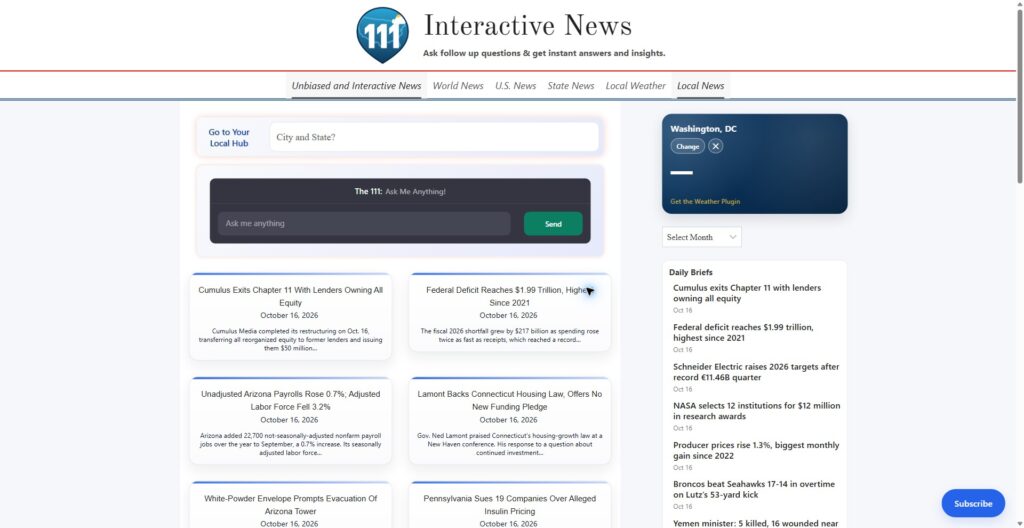
111Things.com
Doyjo SMTP provides email-delivery logs, retries, failover, alerts and diagnostic controls for the publishing site.
Read the case study →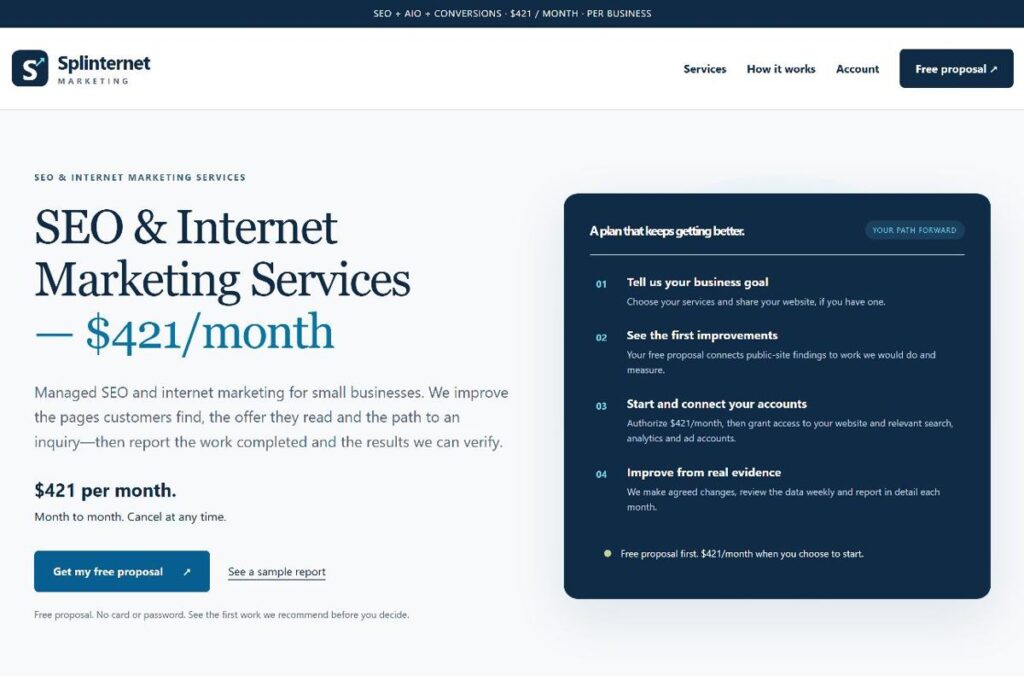
Splinternet Marketing
A custom SMTP operations plugin supplies delivery diagnostics, retry queues and administrative controls.
Read the case study →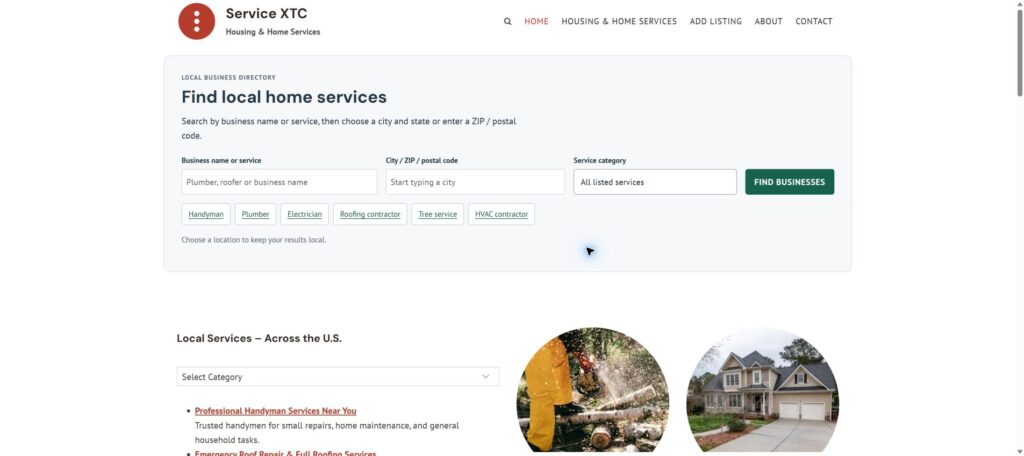
Service XTC
Website email operations include SMTP failover, resend controls, logs and retry handling.
Read the case study →Related services
Let’s define the next step
Discuss your project with Brian
Describe which website emails need attention, your current sending provider and any failure pattern you have noticed. Include the website URL; Brian can scope setup, troubleshooting or custom delivery controls.