
E-commerce · DOYJO
WooCommerce Checkout Customization
Collect the information an order actually needs. DOYJO customizes WooCommerce checkout fields and order workflows so customer details reach the staff and systems that use them.
Work directly with Brian Bateman in Sheboygan, Wisconsin. Serving businesses locally and nationwide.
Connect checkout information with the rest of the order
A purchase order number is only useful if it remains attached to the order and is available when staff process it. Business account details also need clear rules about who supplies them, whether they are required and when customers can update them.
Custom checkout development covers the whole path: field presentation, validation, saving, administrative display and any email or system handoff. The goal is to reduce missing information and avoid a separate manual follow-up for routine details.
Purchase order fields in the DryAway workflow
DryAway Dealer includes a custom checkout purchase order field alongside its broader dealer account and ordering tools. DryAway’s retail store also has checkout-specific customization. The dealer project shows how a small checkout addition belongs within a larger account-to-order workflow.
Dealer qualification and application data have their own account process. When a project also needs purchasing restrictions, those rules should be defined separately from the fields shown on the checkout screen.
Design for your checkout and account types
We first identify whether the store uses classic checkout, WooCommerce blocks or another checkout integration. The implementation must use the extension points that apply to that experience and the store’s order storage.
The scope can include account-dependent fields, purchase order details, delivery instructions or another documented order requirement. Testing covers guest and signed-in paths where applicable, missing or invalid values and the staff view after an order is created.
Can you improve checkout without rebuilding the store?
A focused extension is often enough. Bring one real order and explain which detail staff currently have to request or correct. That example helps establish the required behavior and the smallest useful change.
Original project examples
See the work in context
Explore the business need and the documented scope in each case study. Examples include client work, DOYJO-owned platforms, historical projects and clearly identified demonstrations.
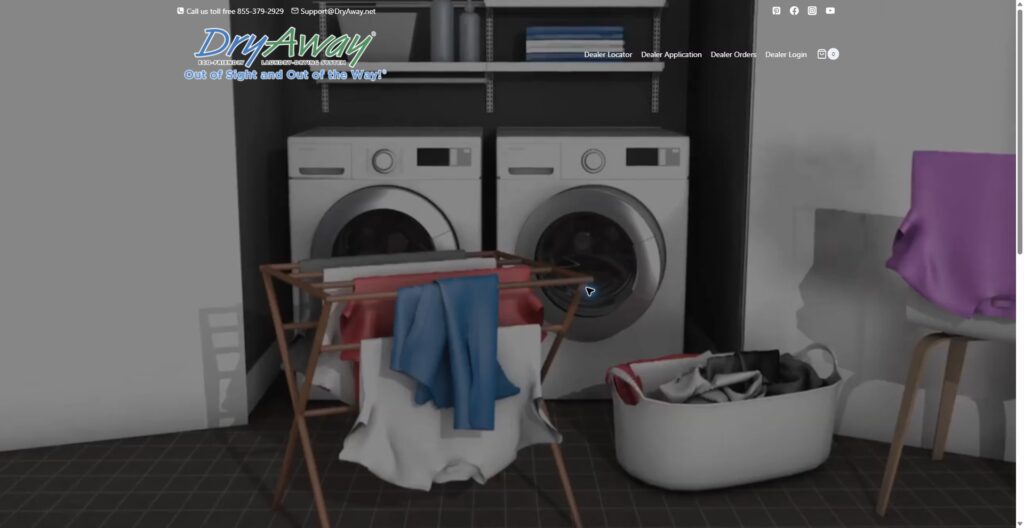
DryAway Dealer
A custom purchase order field connects checkout with the dealer platform’s wider account and order workflow.
Read the case study →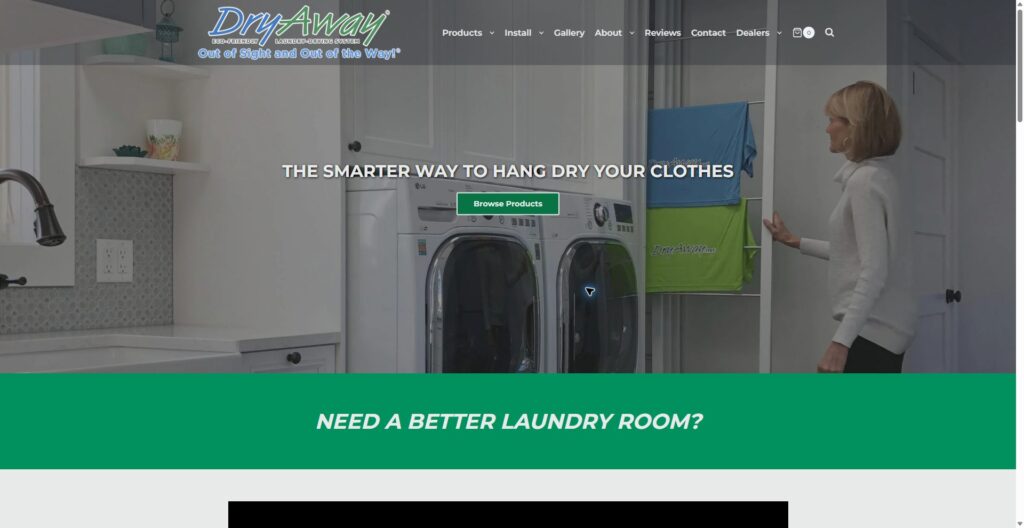
DryAway
Checkout-specific customizations support the retail store alongside product selection and availability tools.
Read the case study →Related services
Let’s define the next step
Discuss your project with Brian
Tell Brian which detail checkout needs to collect, who should see it and where it must appear after purchase. Include the store URL and the checkout extensions you use.