
Free WordPress plugin
Time & Weather plugin for WordPress.
Local time, Weather.gov forecasts, radar, alerts, blocks, shortcodes, widgets, and location-aware weather that can follow the page your visitor is viewing.
- No Weather.gov API key required
- No monthly weather data fee
- Weather.gov / National Weather Service data
- Shortcodes, Gutenberg blocks, widgets, radar, forecasts, and alerts
- AI-ready context for supported chatbot workflows
Current public release
Built for local pages, city pages, directories, publishers, and regional websites.
Unlike a static weather widget tied to one city, Time & Weather can read page-location signals so the local time and weather context matches the content.
Why this WordPress weather plugin is different
The weather can follow the content.
DOYJO built Time & Weather to solve the limits of static, one-city widgets. It can read location signals from the page so city pages, directories, archives, travel guides, regional service areas, and AI-assisted content can show weather that matches the visitor’s context.
The Intelligent Location Engine
Time & Weather can use page slugs, categories, tags, text, schema coordinates, and location cues to decide which local forecast belongs on the page.
Follow Page mode
When a visitor moves from a Chicago page to a Miami page, the weather can update with the content instead of showing one global default.
Persist mode
For blogs and regional sites, visitors can choose a home location that stays with them while they browse.
Weather.gov data
Use National Weather Service / Weather.gov data for U.S. conditions and forecast periods without buying a separate weather API plan.
Radar and alerts
Add radar loops, weather alert modules, compact clock cards, current conditions, and seven-day forecast periods where they help the page.
AI-ready context
Optional placeholders can give supported AI chatbots local date, time, and weather context so answers fit the reader’s situation.
One plugin, many locations
Build local pages without configuring a different widget for every city.
DOYJO’s Follow Page logic lets one plugin support directories, local news sites, travel blogs, community pages, service-area pages, city tags, and regional archives without configuring a separate widget for every location.
Advanced local pages
For city directories, weather archives, regional blogs, tag pages, and community publishing systems, DOYJO can extend the page-location logic so the right local time and weather appears where it helps the user most.
Download the optional Page Location HelperCapabilities
Use the full weather page, or place only the pieces you need.
Time & Weather can power a complete local weather page, then break into smaller blocks for sidebars, city pages, tag pages, directory pages, and custom publishing layouts.
Ask about a custom weather or local-data setup[time]Live local time[weather]Full weather layout[taw_location_changer]Location search[taw_current_conditions]Current conditions[taw_radar_loop]Radar display[taw_forecast_7day]Forecast periodsLive examples
See Time & Weather working where local visitors already use it.
111Things and Sheboygan Life use the plugin inside larger automated, human-reviewed publishing systems where weather, alerts, radar, forecasts, local stories, and reader tools support the same local experience.
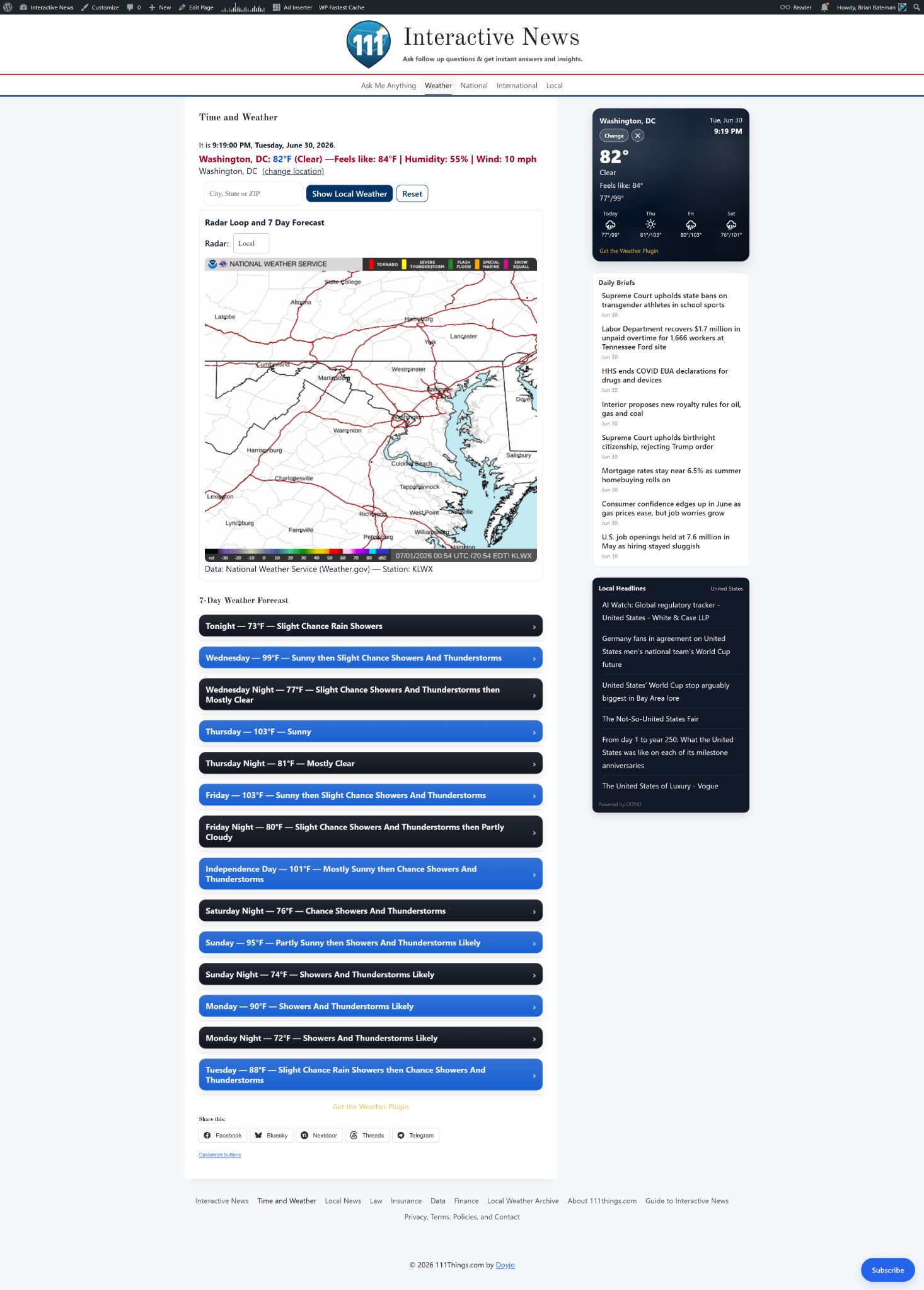
111Things.com combines local time, weather, AI-assisted research, source checking, editorial review, and around-the-clock publishing.
View the 111Things example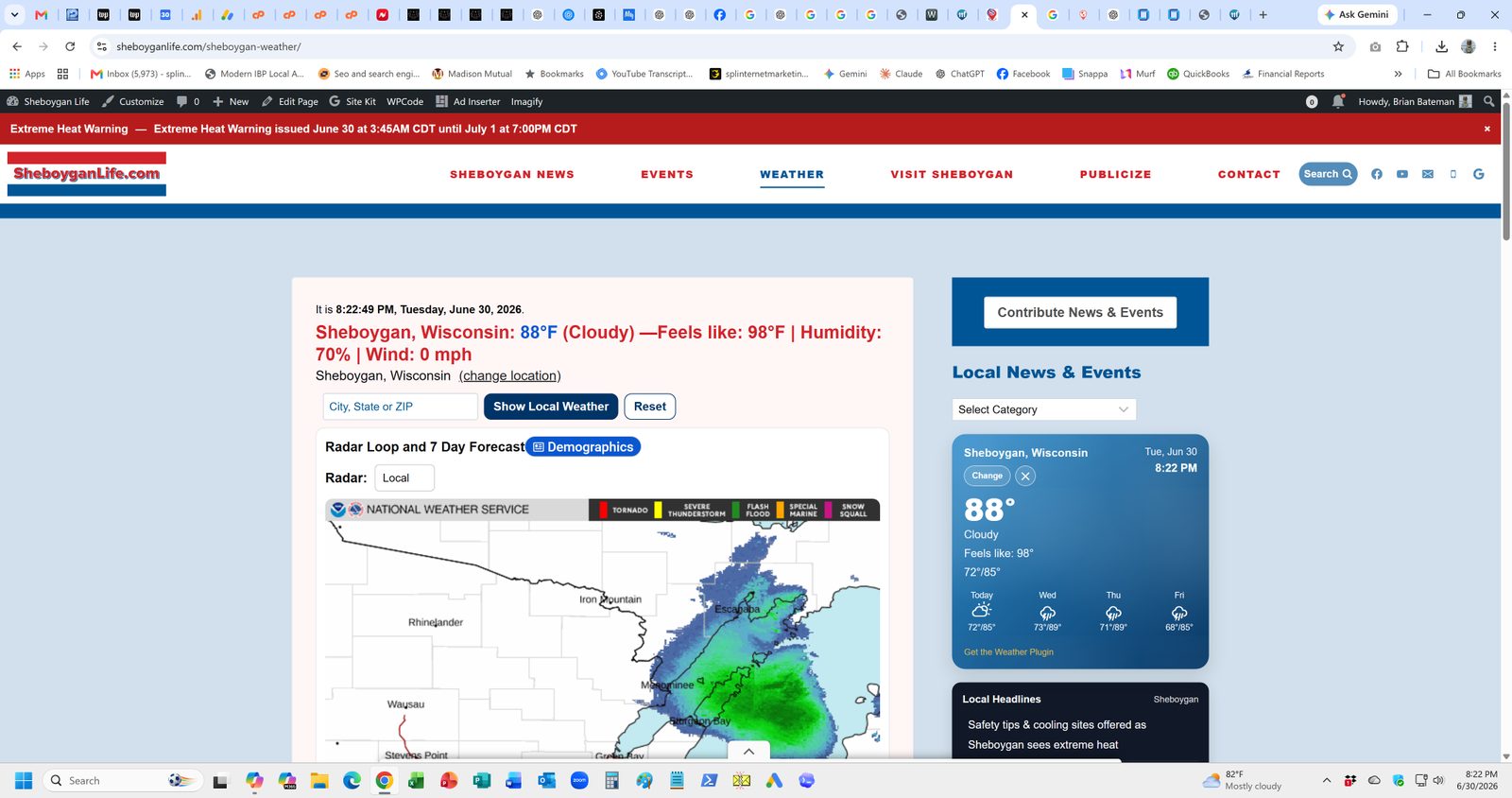
SheboyganLife.com pairs weather, alerts, radar, forecasts, local stories, and human-reviewed publishing workflows for Sheboygan-area readers.
View the Sheboygan Life example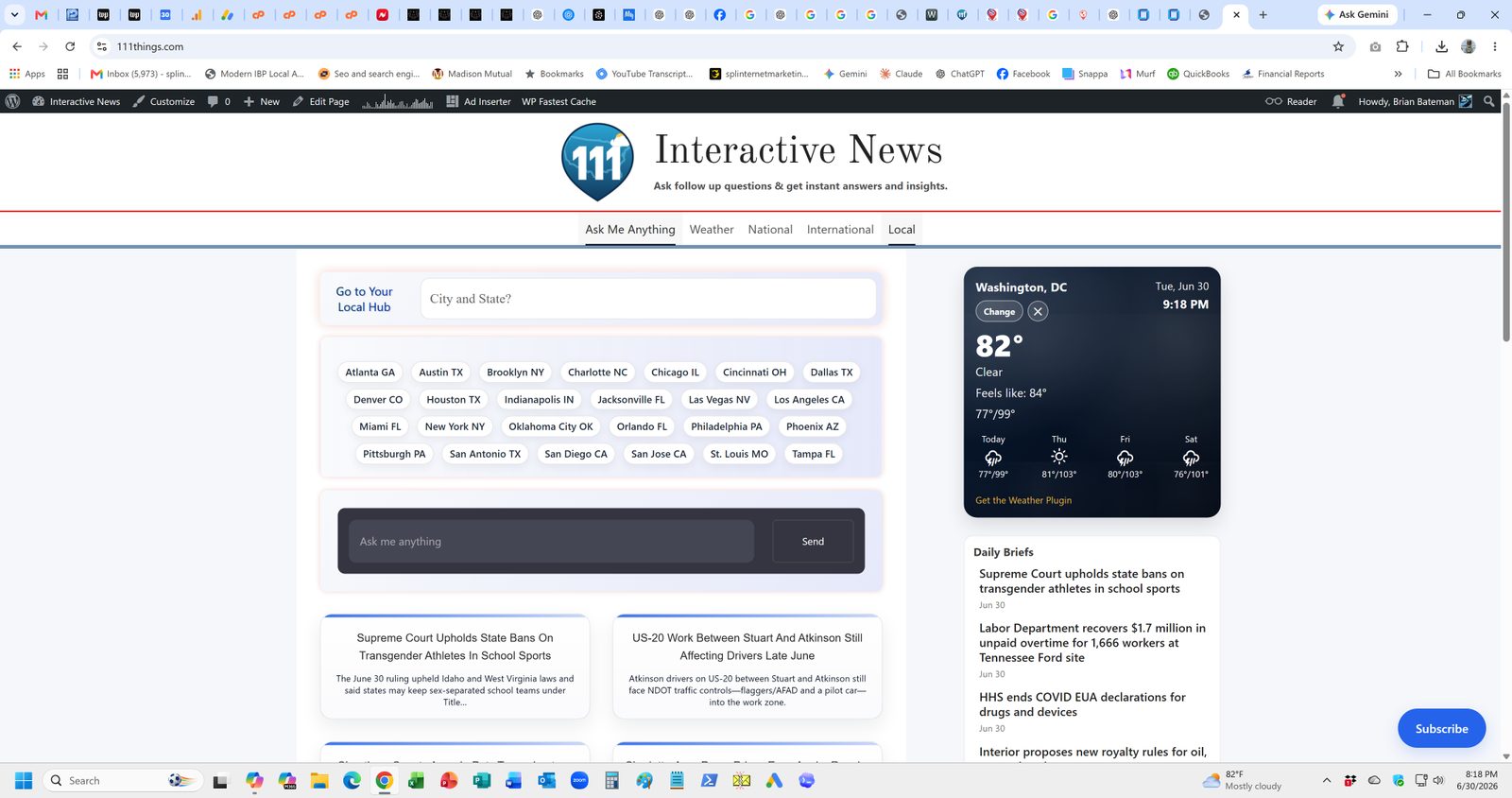
111Things.com combines local headlines, weather, daily briefs, and automated, human-reviewed publishing workflows in one production environment.
Visit 111ThingsPerfect for
Sites where local context makes the page more useful.
Need more than weather?
Custom Publishing Tools now has its own page.
Time & Weather is one tool. DOYJO also builds custom publishing workflows, AI-assisted topic writing, source checking, local headlines, newsletters, request protection, related-content tools, and WordPress plugins when a site needs more than off-the-shelf software.
View Custom Publishing ToolsFAQ
Common questions about the Time & Weather plugin.
Do I need an API key?
No. Weather.gov / National Weather Service data is used for U.S. coverage. No paid weather API key is required.
Will it follow location automatically on a multi-city site?
Yes. Use Follow Page mode. The plugin can detect location cues from URL patterns, categories, tags, text, and structured content.
Can I build my own layout?
Yes. Use Gutenberg blocks in the editor or shortcodes such as [taw_current_conditions], [taw_radar_loop], and [taw_forecast_7day].
Does it work with AI chatbots?
Yes, when supported by the site’s AI setup. Time, date, location, and weather context can help chatbot answers match the reader’s situation.
Is it free?
The public plugin ZIP is free to download with DOYJO attribution. Customization, integration, and publishing-system work are quoted separately.
Why the conversation can be worthwhile
Why DOYJO is a practical fit for local time and weather.
DOYJO can install the free plugin, adapt it to page-aware locations, or extend it into a larger local publishing experience.
The same team can connect the plugin to local content, directories, publishing workflows, hosting, SEO, and AI context when the requirement goes beyond a widget.
Best fit: Local publishers, directories, tourism sites, regional services, and multi-city websites.
Original project examples
See the work in context
Explore the business need and the documented scope in each case study. Examples include client work, DOYJO-owned platforms, historical projects and clearly identified demonstrations.
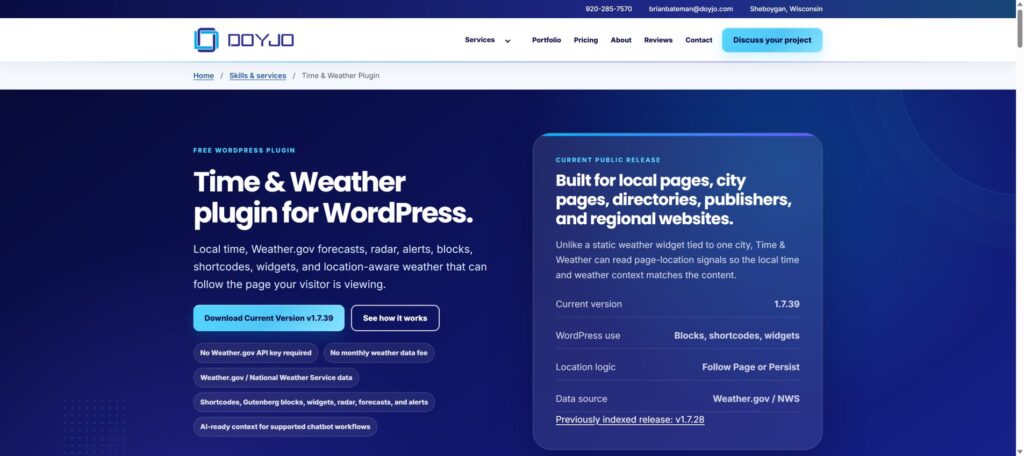
DOYJO Time & Weather
Time & Weather is a custom WordPress plugin used on Sheboygan Life and 111Things, combining local time, forecasts, radar, alerts and page-aware location context.
Read the case study →